What you will know after this guide
- Base location
- 2.4, 5 and 6 GHz
- Wired backbone remains the base
- Test methodically
Base location
Place high, open and as central as possible to users, not in a metal cabinet, behind the television, on the floor or beside a large appliance. Keep away from microwaves, dense concrete, metallized mirrors, ducts and aquariums.
2.4, 5 and 6 GHz
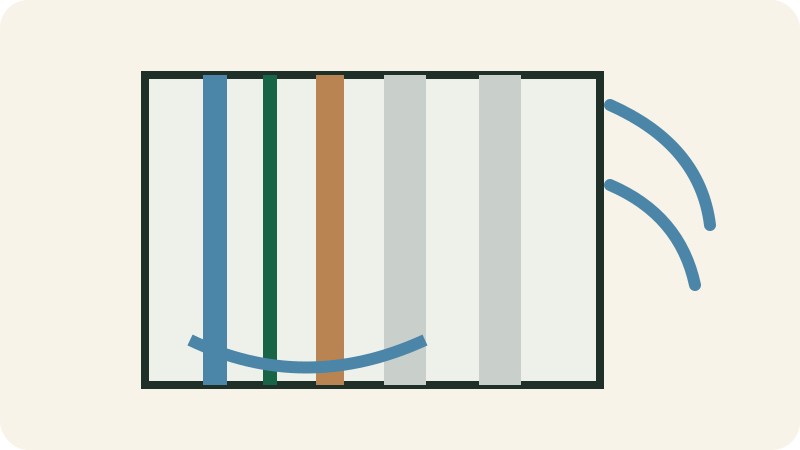
2.4 GHz reaches farther but offers less capacity and more interference. 5 GHz is often faster at moderate range. 6 GHz offers more capacity but penetrates less. Let the system steer devices or split networks only for diagnosis.
Wired backbone remains the base
For office, television, console, access point and fixed camera, Ethernet provides stability and frees Wi-Fi. Use listed cable, required separation from power, wall jacks and labels. Mesh with wired backhaul is often superior to a repeater.
Test methodically
Map rooms and measure signal, latency and throughput at use locations at different times, then relocate before buying. A high speed test beside the router does not prove good coverage. Focus on stability and latency.
Security and resilience
Update firmware, change administrator accounts, use modern encryption, disable unnecessary remote administration and create guest/IoT networks. Put modem, router and switch on protected power; document cables and restart order.